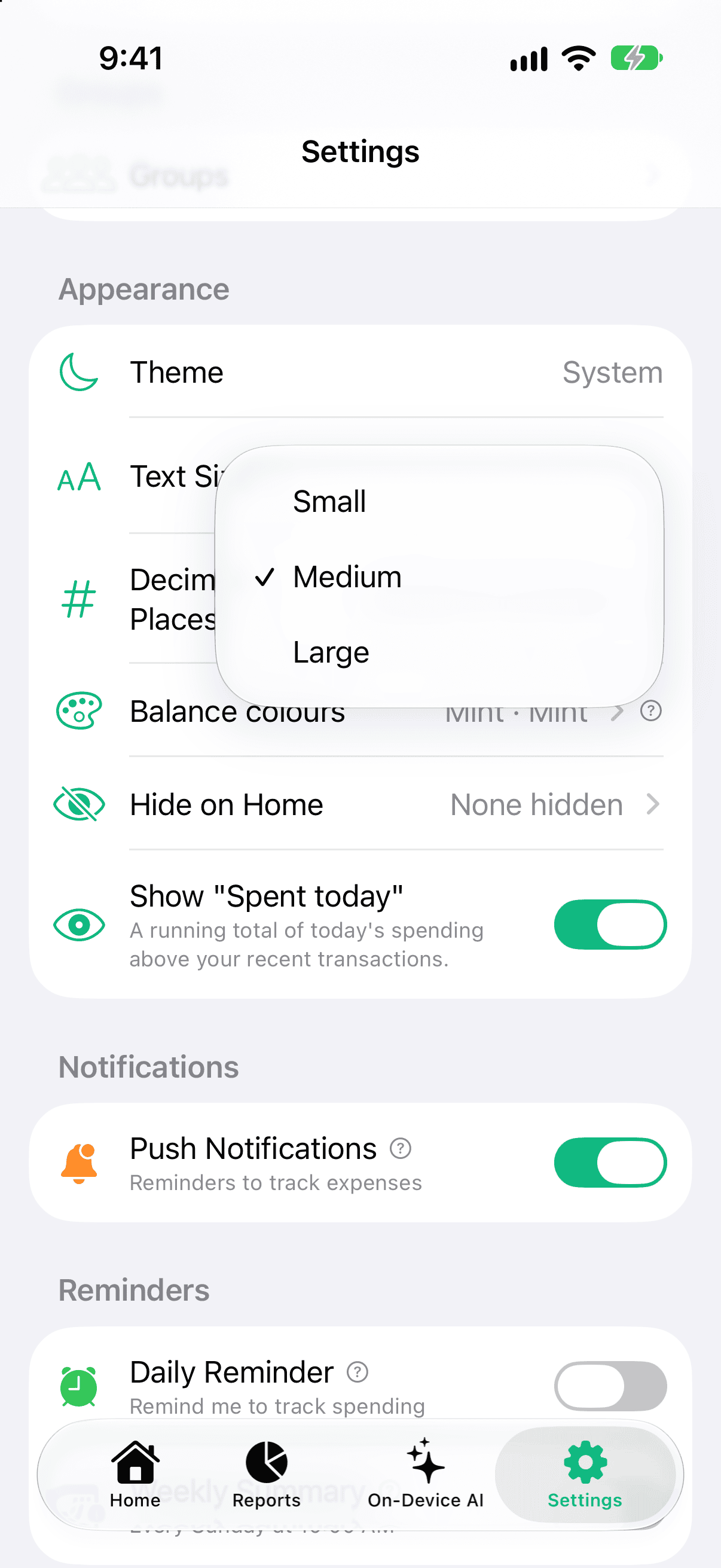
Pocket Clear lets you scale the text size across the whole interface. Choose Small, Medium (the default), or Large in Settings to set the size that's most comfortable for you.
The setting applies everywhere — Home, Add Transaction, Reports, Settings, and every other screen. It's handy for readability and accessibility, and it's a free setting available to everyone.
How to change the text size
Open Pocket Clear and go to Settings.
Tap Text Size.
Choose Small, Medium, or Large.
The interface updates immediately to the selected size.
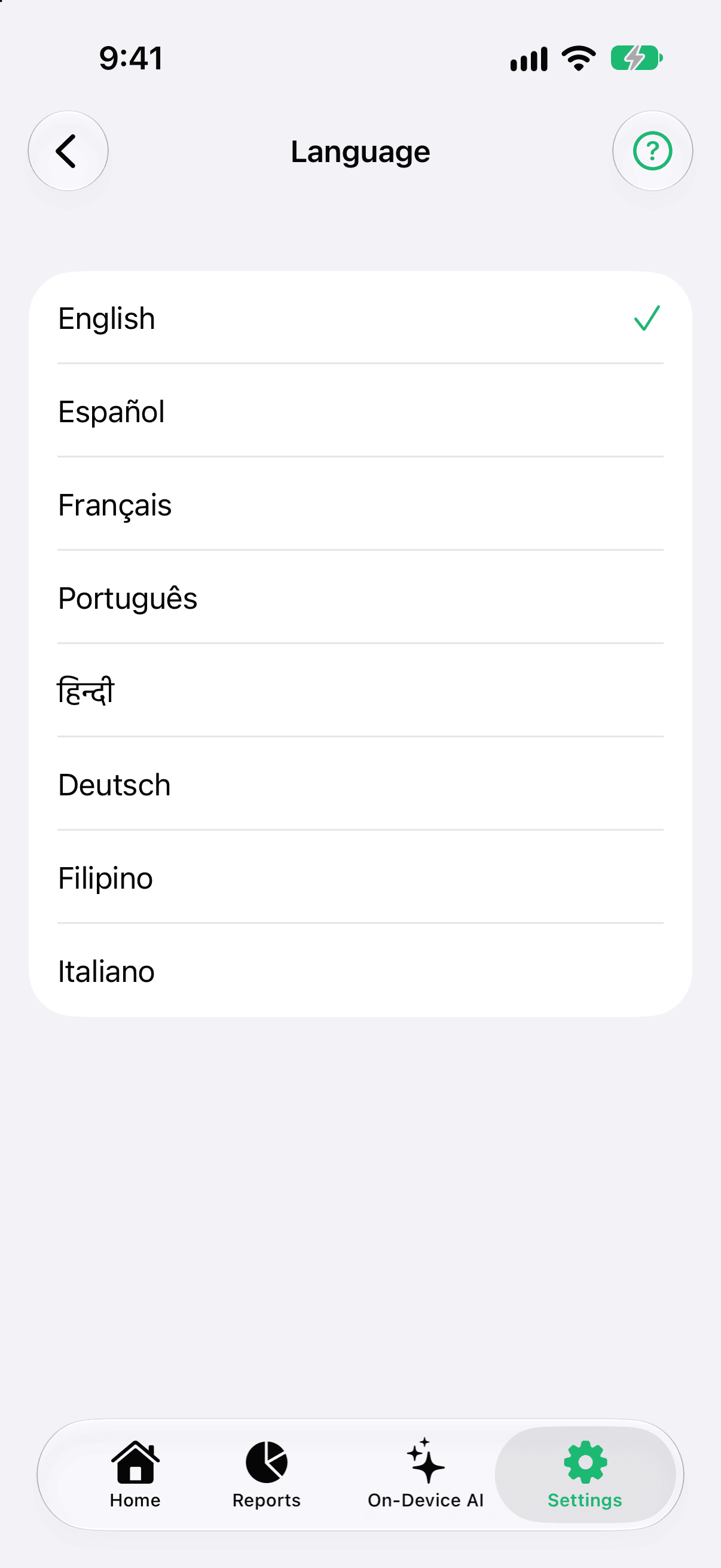
Text Size in Settings scales the whole app.Pick a language in Settings — no need to change your phone.
Text Size in Settings scales the whole app.Pick a language in Settings — no need to change your phone.
Good to know
Medium is the default text size.
Your choice applies app-wide, across every screen.