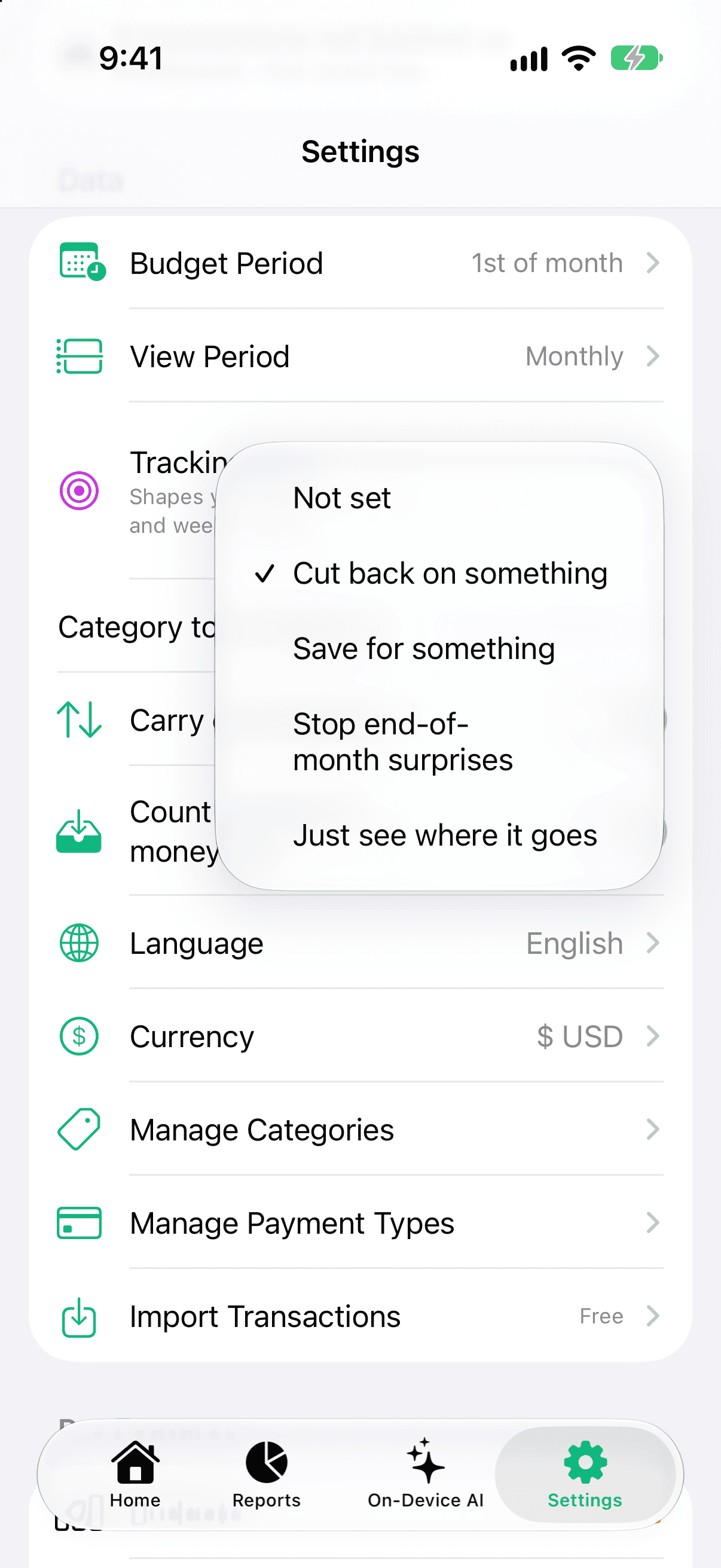
When you sign up, Pocket Clear asks "What are you tracking for?" Pick one of four answers — or skip. Your choice shapes two things: the wording of your daily reminder and the first line of your Sunday weekly summary. Nothing else changes, and you can change or clear it any time.
The four goals
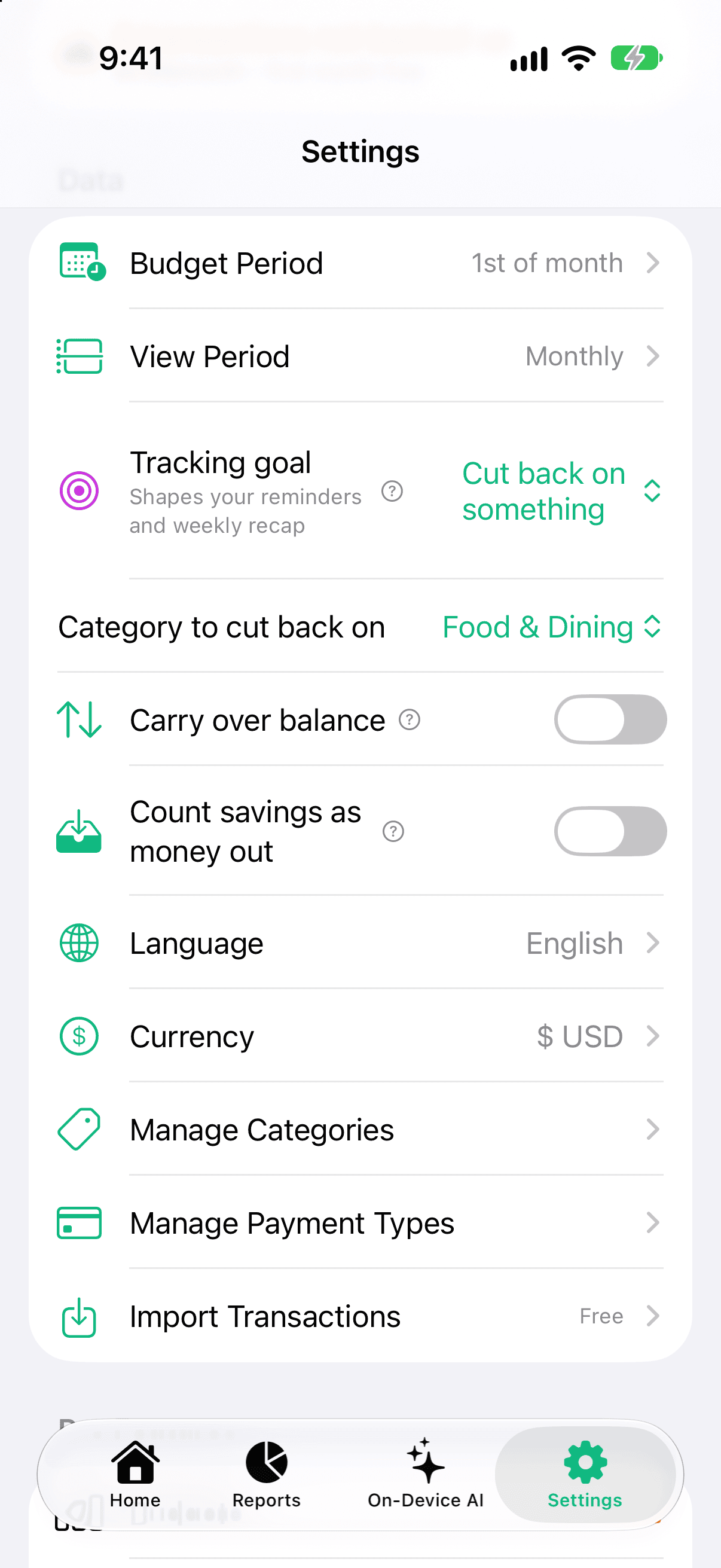
Cut back on something — you also pick one category (Food & Dining, Shopping, Transportation, Entertainment, Groceries or Bills & Utilities). Your weekly summary leads with that category: "Food & Dining this week: ₹1,200, down 15% from last week." After a few unlogged days, the reminder says "3 days without a Food & Dining entry. Keep your cut-back honest."
Save for something — when you spend less than the week before, the summary tells you how much: "You spent ₹900 less than last week. That's ₹900 toward your goal."
Stop end-of-month surprises — once Pocket Clear can project your month, the summary leads with "On pace for ₹41,200 this month."
Just see where it goes — the summary keeps its usual lines.
Changing it
Open Settings.
Under Data, tap Tracking goal and pick an option, or Not set to clear it.
If you chose Cut back on something, pick the category in the row that appears underneath.
Pick one of four goals under Settings > Tracking goal.Choose the category — your Sunday summary leads with it.
Your goal is stored on your device. The only thing sent to Pocket Clear is which of the four you picked — never the category, never your entries.