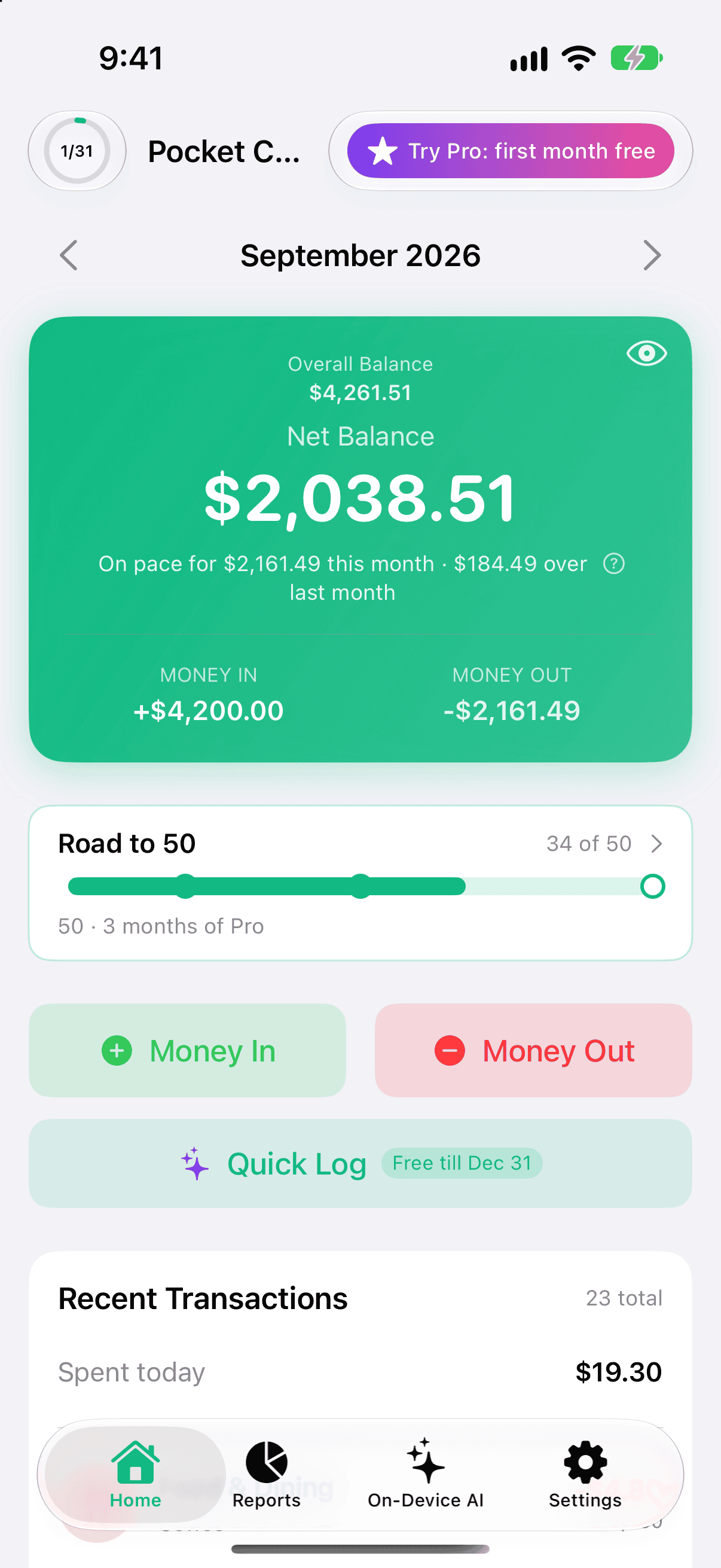
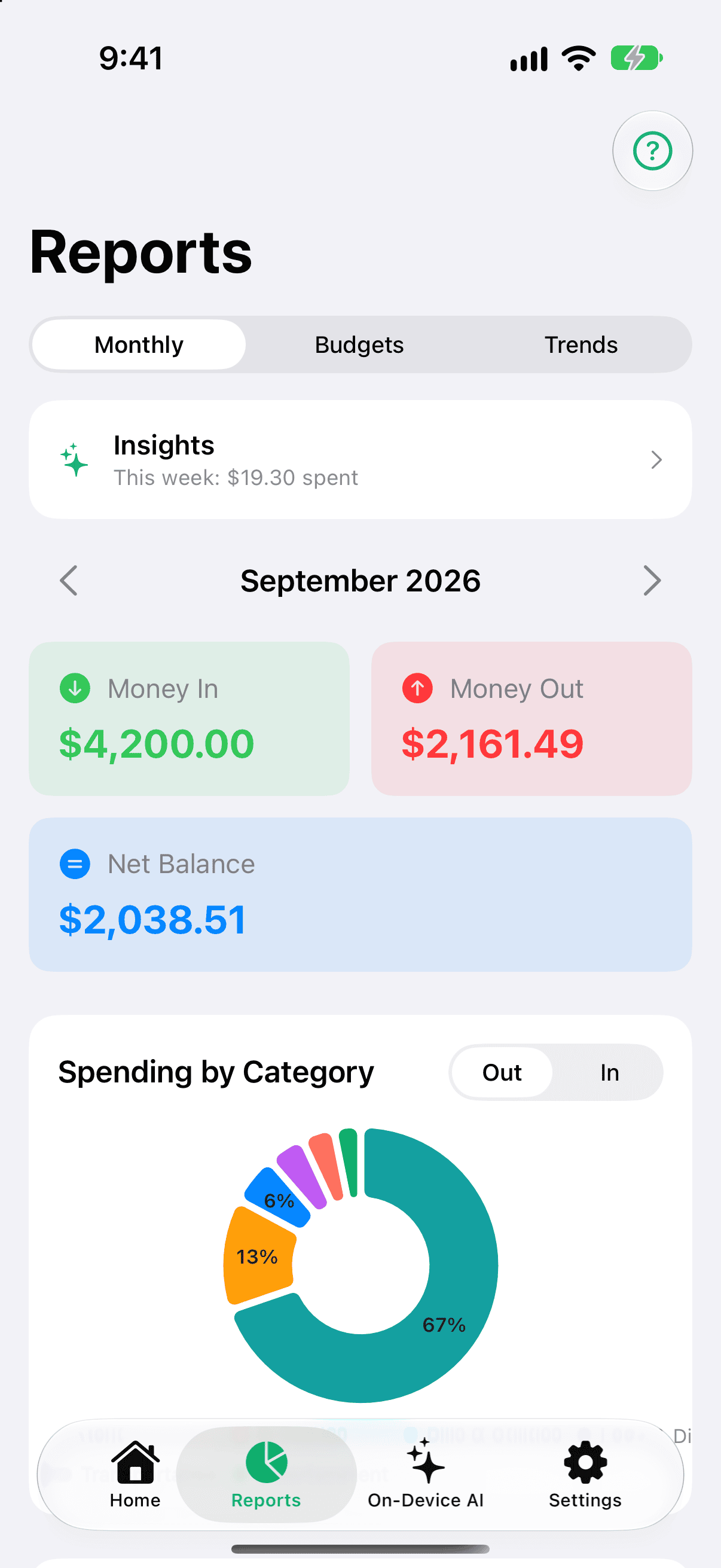
From your 25th entry, Home shows a line under the balance such as On pace for ₹41,200 this month · ₹3,100 under last month. Tap it to open Reports.
Under your balance: what you're on pace to spend.Tap the line to open Reports.
How it's calculated
It takes what you've spent so far this budget period (your own expenses; transfers don't count) and stretches it across the whole period at the same daily pace.
The period is your budget period, including a start day such as the 25th or the 31st — a period that starts on the 31st is shorter in February, and the projection uses the real length.
It appears from day 5 of the period. Before that there's too little to go on.
When there was spending in the previous period, it adds how far above or below that total you're heading. If the two are the same, nothing is added.
The line under it
If you chose a tracking goal, a second line speaks to it: No surprises shows how many days are left in the period; Save for something shows how much you're under last period, when you are.
When it's hidden
Below 25 entries, before day 5, or when nothing has been spent yet.
While you're looking at a past or future period, a weekly or bi-weekly view, or a trip.